Meet the Counselor Lesson

This post may contain affiliate links, which means I’ll receive a commission if you purchase through my links, at no extra cost to you.
The beginning of a new school year is the perfect opportunity to set the tone for the months ahead—and one of my favorite ways to do that is with a simple 10-15 minute “Meet the Counselor” Lesson.

Lesson Goals
My “Meet the Counselor” lesson has four main goals:
- Introduce the counselor and share a few fun facts about myself. I try to pick fun facts that student can relate too (example: I have a sister and the dumbest thing we ever fought over was an apple).
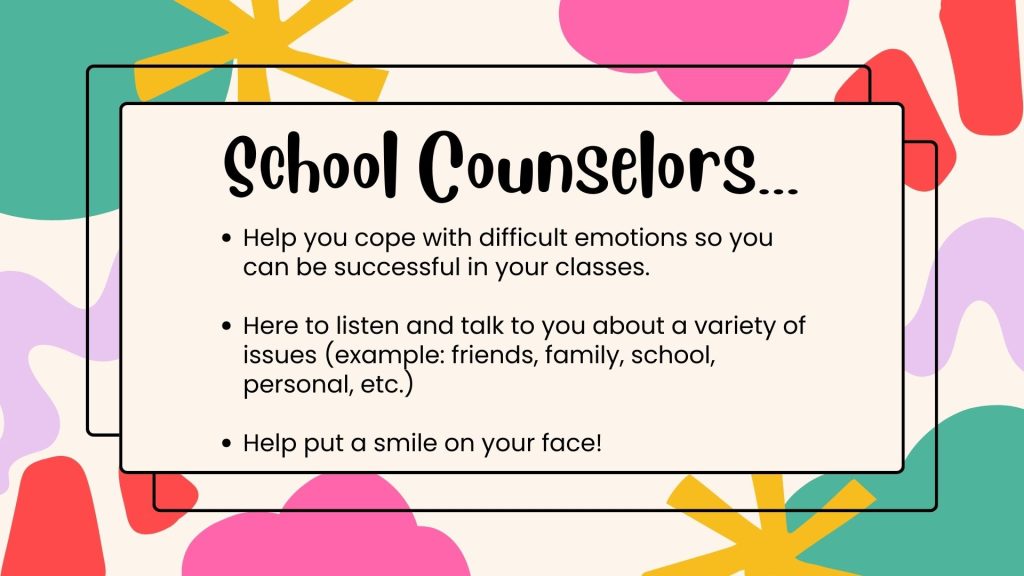
- Explain what the school counselor does at your school. Every school counseling program is unique and focuses on different priorities. Tell students what your role looks like on your specific campus.
- Clarify how students can access their counselor—referral processes, the best time/period to contact their counselor, and where the counselor is located.
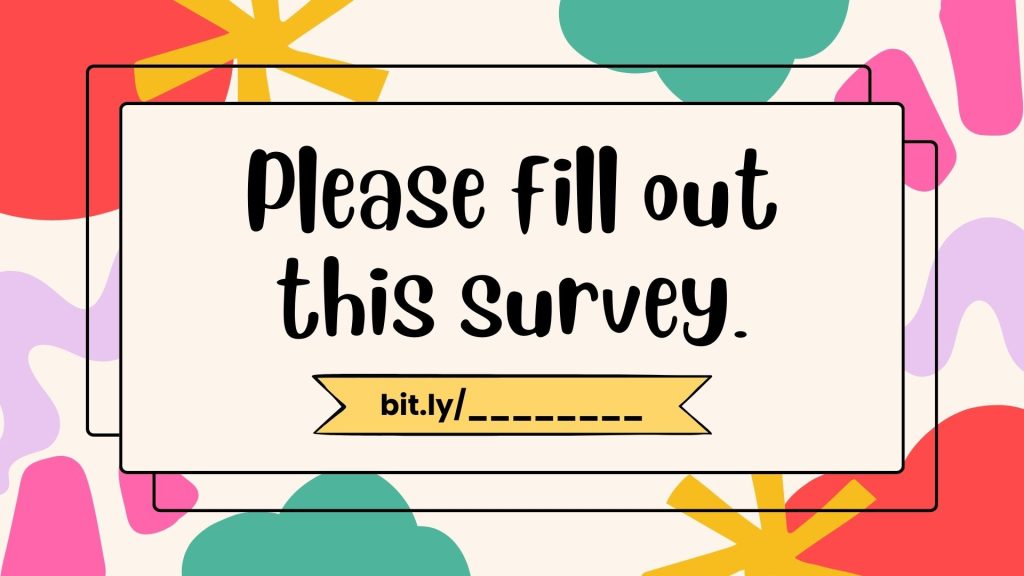
- I like to wrap up my lesson by asking the students to share something fun about themselves in a student survey. The student survey (student needs assessment) provides great content to discuss in my Minute Meetings and helps me plan groups for the school year.
Optional
Sometimes I include my “How Big Is Your Problem?” chart in my Meet the Counselor Lesson. I use it to demonstrate to students the best time to come visit me. If they’re dealing with a big problem (4-5), then they can come down anytime to visit with me. If they’re dealing with a smaller problem (2-3), then those issues can wait until an elective period. I explain to kids that if they miss math class to tell me about their friend drama, then they’re going to get homework and I don’t want them to have homework. No one likes homework!
FREE-Meet the Counselor Lesson
If you’d like to use my FREE Meet the Counselor Lesson, please click here. It’s a Canva presentation, so you can edit the document in Canva and present directly from Canva. If you’re not familiar with Canva, I recommend spending 15-20 playing around with their FREE features. It’s a great tool to use for presentations or flyers for school. Canva has a FREE version (for anyone interested) but educators can also get the premium version for FREE (learn more about Canva for educators here).
Well I hope everyone’s school year is starting off strong!! Here’s to a year full of connection, growth, and adventure. You’ve got this!!